This is based on guidance from banks and public bodies as of October 2026 (this is not financial advice). Whether your card works, and what fees you pay, depend on the card you have.
Your first night in Japan. You drop your bags where you’re staying and head to a ramen shop nearby. The ticket machine at the entrance only has a slot for bills. And there’s less yen in your wallet than you thought.
When that happens, head to the nearest 7-Eleven. Put your own card into the ATM inside, switch the screen to your own language, and in most cases, out come ¥10,000 notes.
Japan is still a country that uses a lot of cash. Even so, as long as you can see the lights of a convenience store, you can usually sort out your cash.
How much should you bring in the first place? See “How Much Cash Do You Need in Japan?”.
Just two things before you leave
So you’re not scrambling after you land in Japan, there are just two things to check before you leave home.
- Whether that card can withdraw cash from ATMs abroad (some cards need you to turn on overseas withdrawals yourself)
- Your PIN
The rules differ by bank and by card. If you’re not sure, ask in your bank’s or card company’s app, or at a branch, before you go.
At the airport, get a little first
If you take some out as soon as you arrive, you won’t be stuck at a ticket machine that night. Haneda Airport Terminal 3, Narita Airport Terminal 1 (basement level 1) and Terminal 3, Kansai International Airport, Naha Airport and others have Lawson Bank ATMs that accept cards from abroad (as of March 2026).
Head to the nearest 7-Eleven
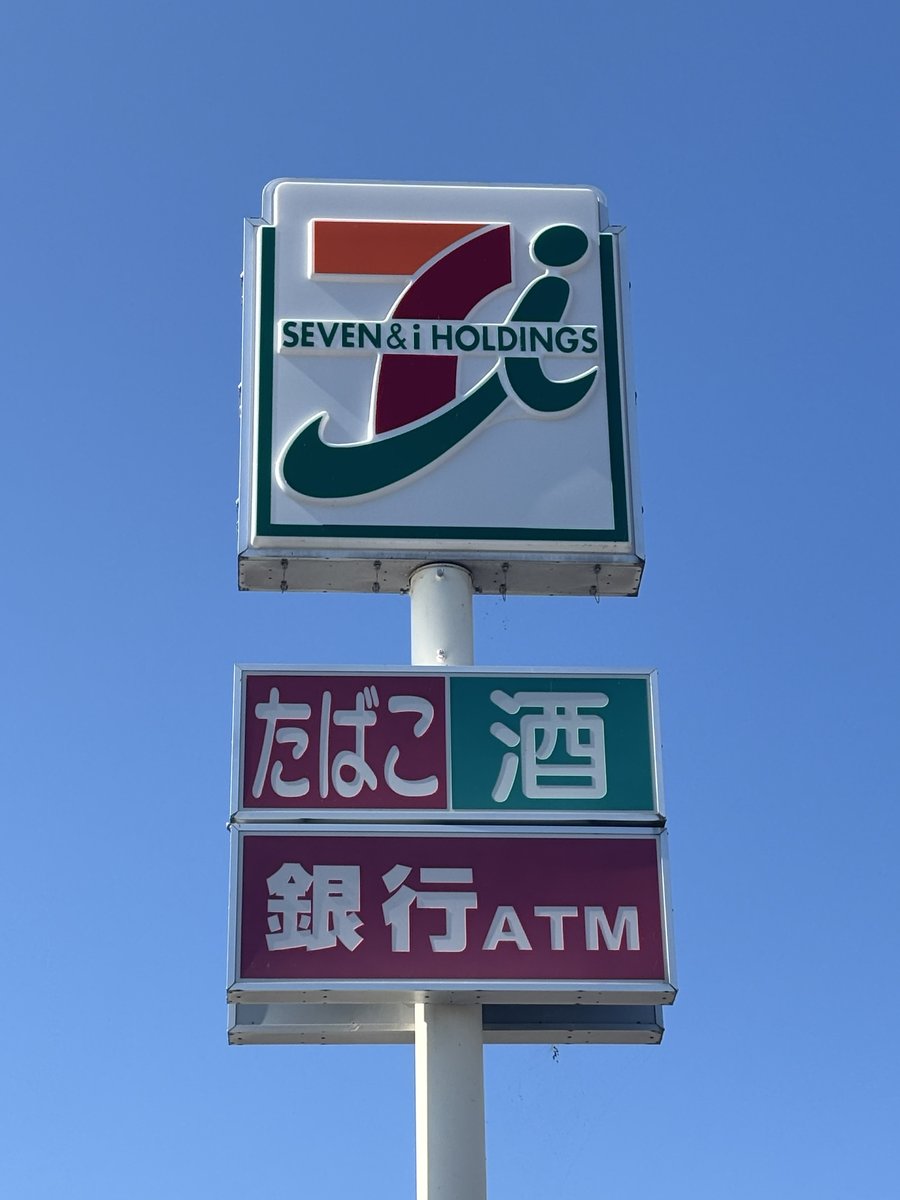
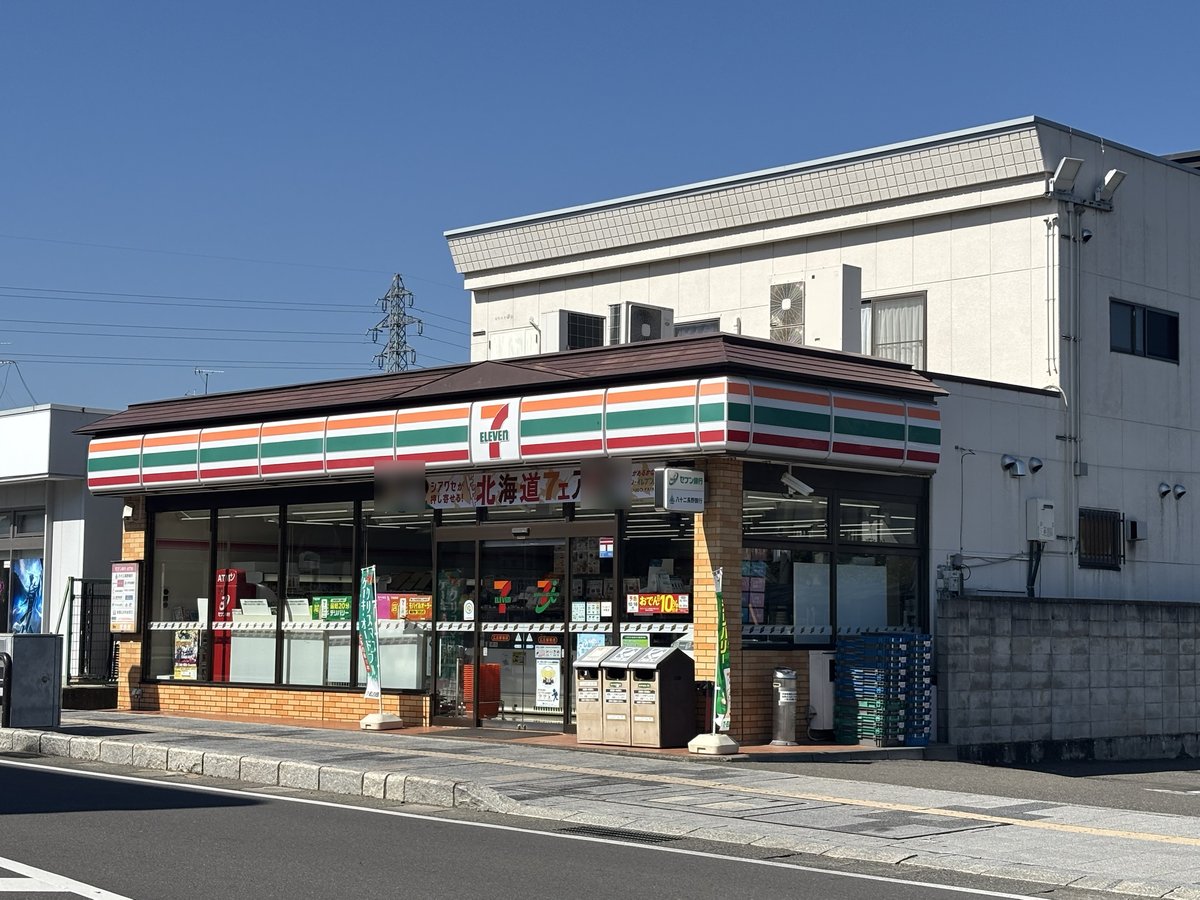
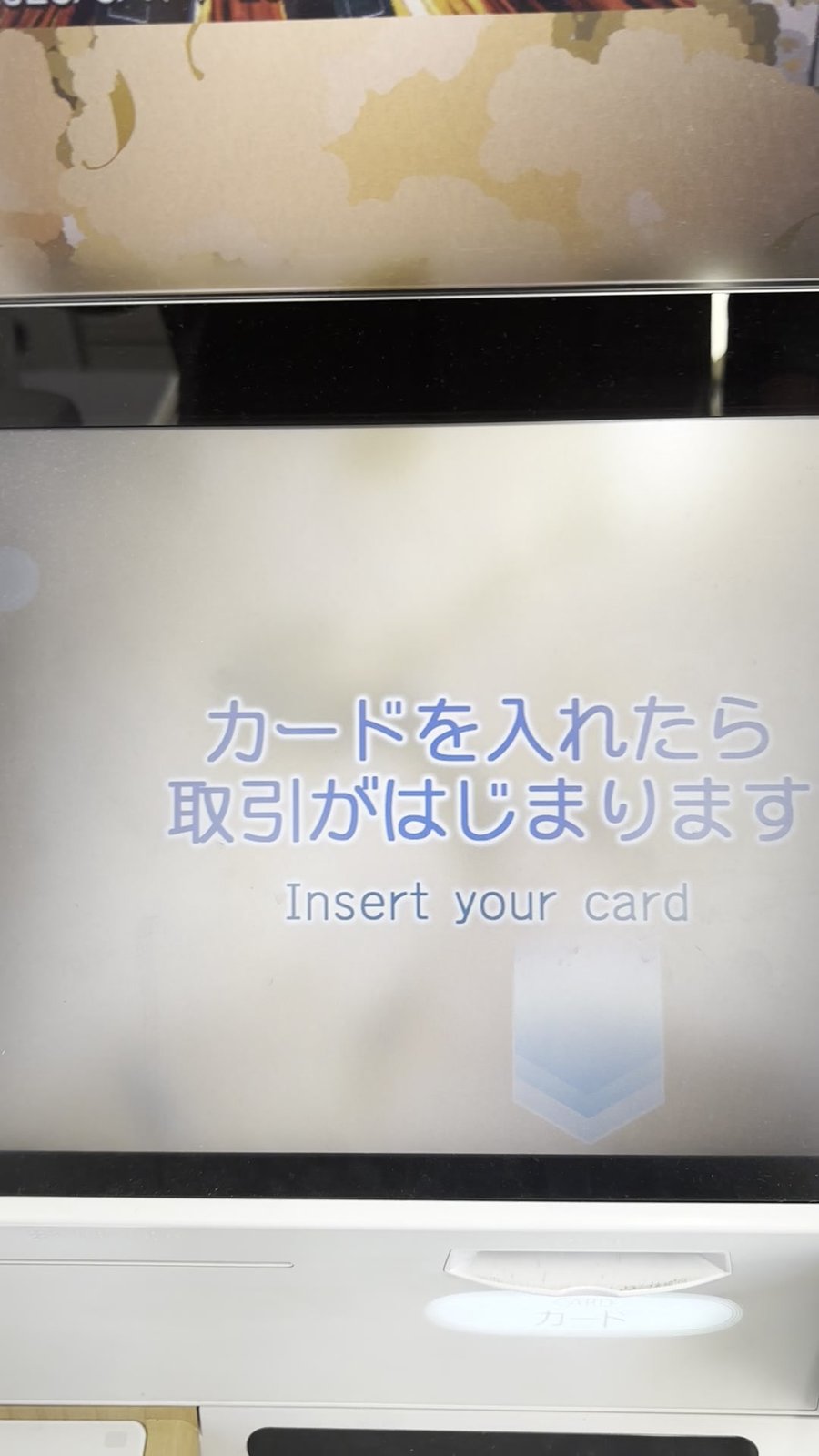
The ATM inside a 7-Eleven is a Seven Bank ATM. You can withdraw Japanese yen there with a card issued abroad.
| Seven Bank ATM | |
|---|---|
| Accepted logos | Visa (PLUS), Mastercard (Maestro, Cirrus), UnionPay, JCB, American Express, Discover, Diners Club |
| Screen languages | 12 (including Traditional Chinese and Korean) |
| Limit per withdrawal | ¥100,000 (¥30,000 for transactions read from the magnetic stripe instead of the IC chip) |
| Hours | Year-round in principle. Visa and Mastercard work 24 hours a day. Other brands have a period of around 10–20 minutes in the middle of the night when they can’t be used. The ATM may also stop for maintenance |
| Fees | Depend on the card brand |
(As of October 2026)
Even with the same logo, though, some cards won’t work. If that happens, try another convenience store’s ATM.
Choose the language after you insert your card
Don’t worry if the first screen is in Japanese. After you insert your card, you can choose from 12 languages, including Traditional Chinese and Korean. The receipt you get will be in the language you chose, too.
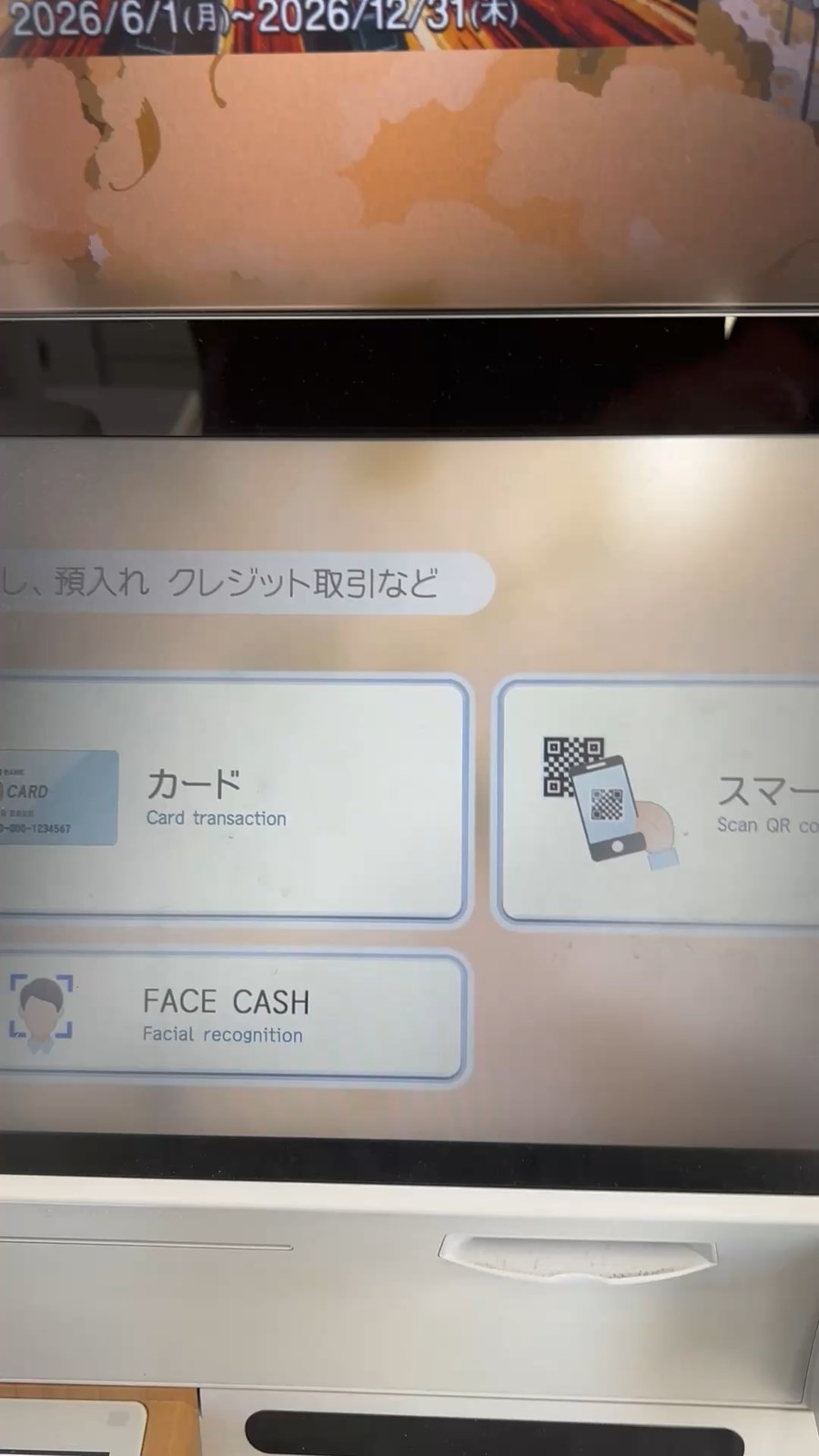
From there, just follow the screen.
- Insert your card (if a screen asking you to choose between card and smartphone appears first, choose “Card”)
- Choose your language
- Choose “Withdrawal” (if it asks for your account type, choose that too)
- Enter your PIN
- Choose the amount in yen and confirm it
- Take your cash, your card and your receipt
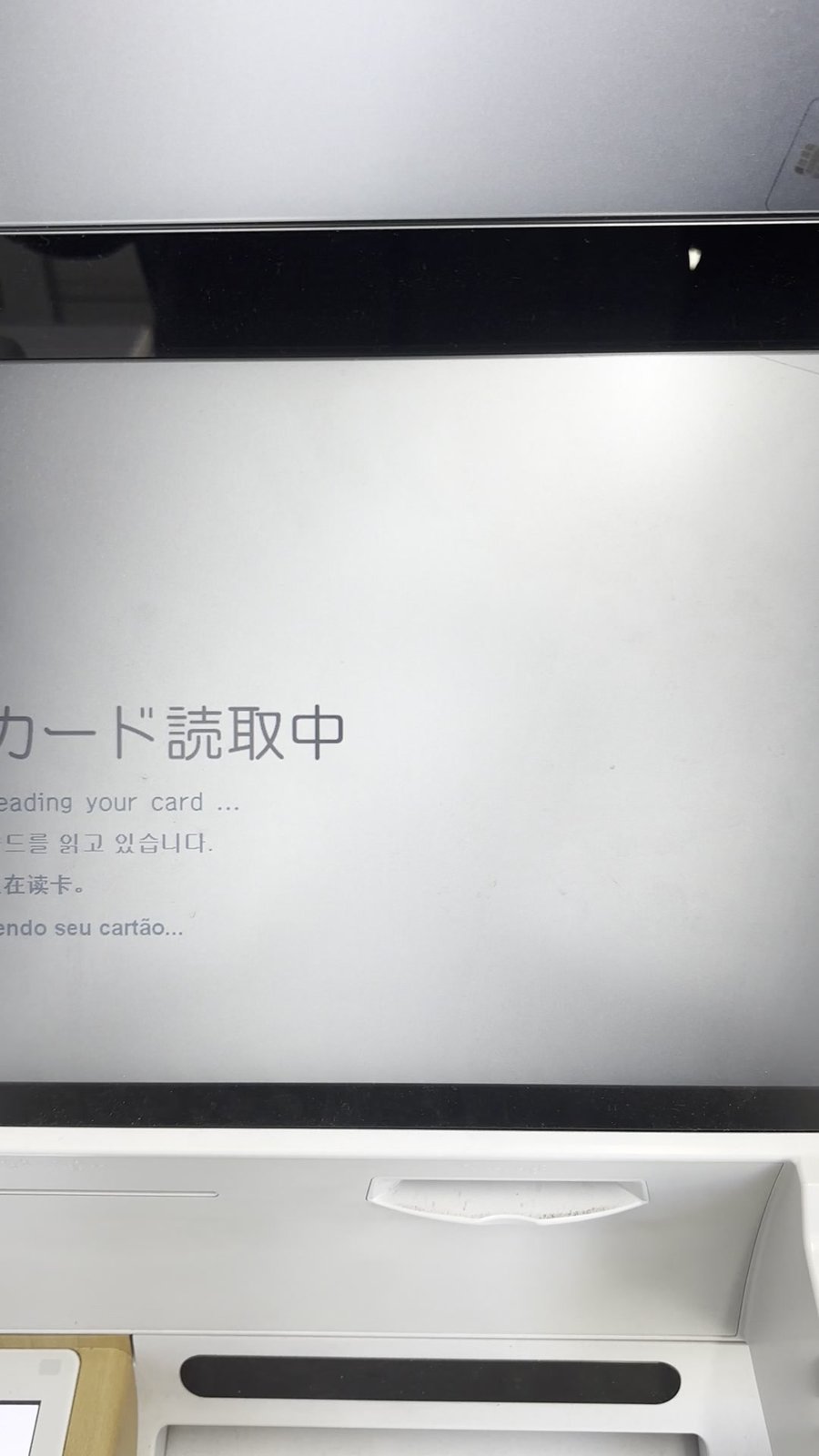
If it says you’ve gone over the limit, lower the amount and try again.
“Stay in yen” or “Convert to your home currency”?
With Visa or Mastercard, you may be asked one more question after you choose the amount.
- Convert to your home currency … right there at the ATM, how much you pay in your home currency is settled
- Stay in yen … you pay in yen for now, and how much it comes to in your home currency is settled later, when your card company bills you
Which one you choose changes the amount you end up paying.
According to Visa, the screen is supposed to show both amounts, the exchange rate and any added fee. If you can’t see these, or if you feel rushed toward one choice, you’re free to decline converting to your home currency. You can still withdraw cash normally if you decline. In the end, the choice is yours.
Fees can come from two places
When you withdraw cash from an ATM, there may be fees. They can come from two places.
- The ATM side … at Seven Bank ATMs, it depends on the card brand
- Your card company’s side … there may be a fee on top of the ATM fee
Check how much it will be on the screen and in your own card’s terms. At a Lawson Bank ATM, the amount you’re withdrawing and the fee appear on the screen before you press the confirm button.
At Seven Bank ATMs, the fee is charged on each withdrawal. If you take out small amounts again and again, the fees add up every time.
If it doesn’t work, try another convenience store
Even if it says your card can’t be used, that’s not the end. If it doesn’t work at 7-Eleven, try the ATMs at Lawson or FamilyMart too. At a different store, you may find an ATM run by a different company.
Lawson has Lawson Bank ATMs (some stores don’t accept cards from abroad). The screen comes in 4 languages, Japanese, English, Simplified Chinese and Korean, with no Traditional Chinese. If you want a Traditional Chinese screen, go to 7-Eleven.
At FamilyMart, the ATM machine differs from store to store, and so do the cards it accepts and its screens. Whichever machine it is, if there’s an “English” button in a corner of the screen, press it and try it.
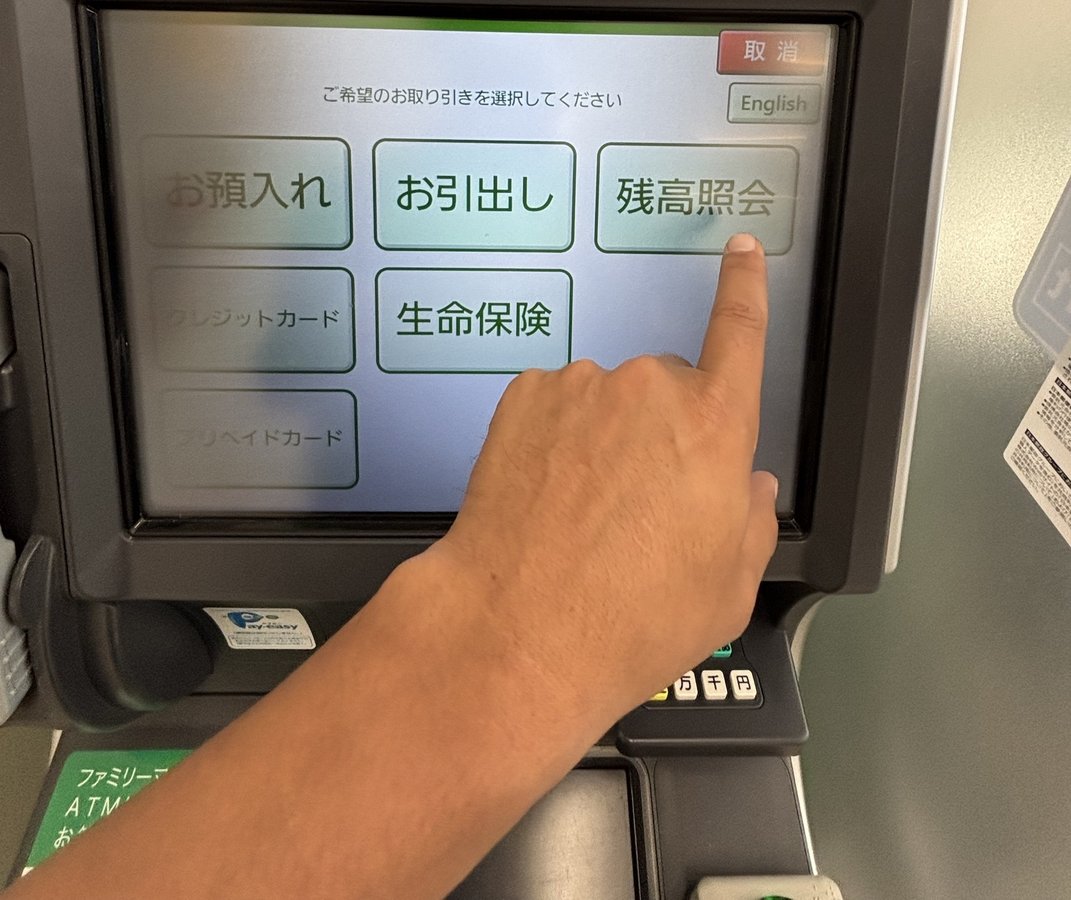
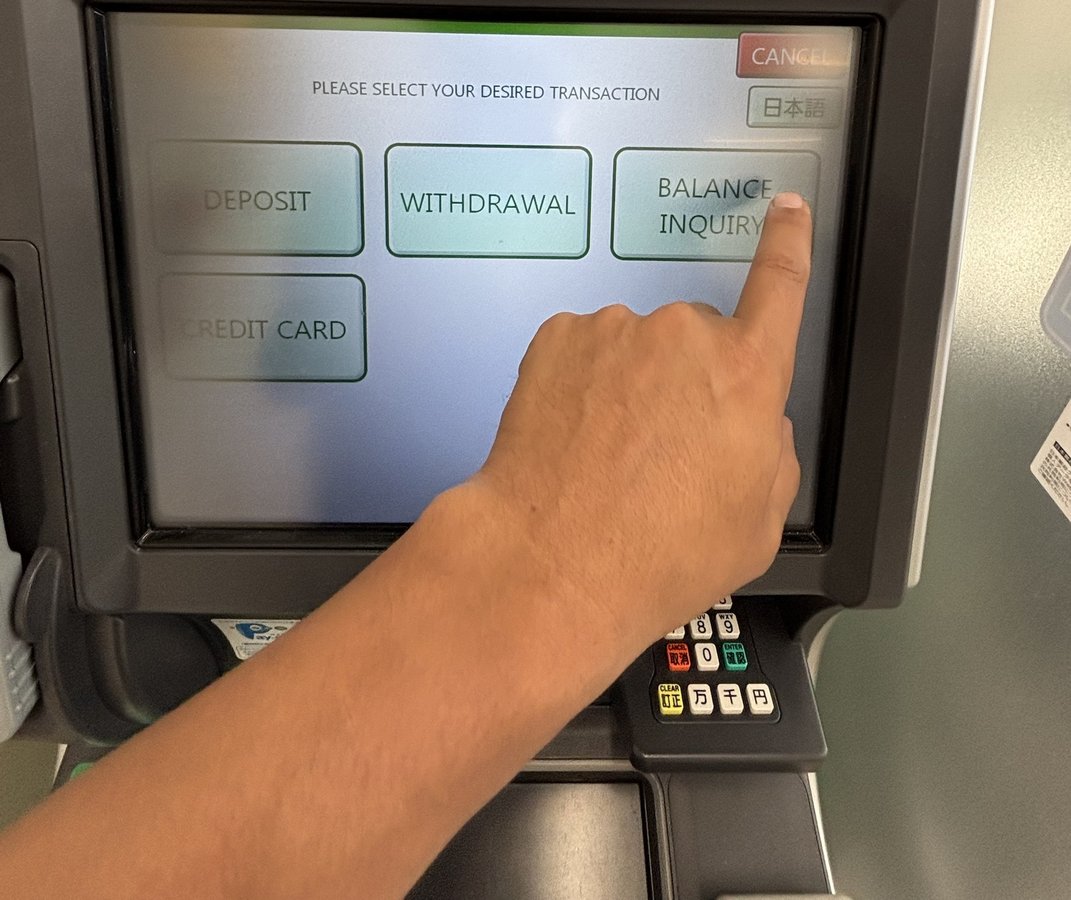
Late at night, and ATMs running out of cash
ATMs outside convenience stores, such as post office ATMs, may be closed at night. In busy areas, an ATM can also run out of cash. If you want cash late at night and the first one doesn’t give you any, move on to the next convenience store.
If your card doesn’t come out
Seven Bank ATMs have an intercom. You can ask for help right there, in Japanese or English. If your card doesn’t come out, don’t walk away; use the intercom first.
If Japanese and English are both hard for you, prepare a short line in a translation app, such as “My card won’t come out,” and have it read aloud.
If you get locked out after entering the wrong PIN, contact your card company.
If you have a UnionPay card, there’s a Chinese-language help desk (00531-086-0044).
For now, just this
- Before you leave, check whether overseas withdrawals work and your PIN
- When in doubt, head to 7-Eleven. You can choose the language after inserting your card
- The limit per withdrawal is ¥100,000 on the Seven Bank ATM side. Your own card also has a daily withdrawal limit. Check it before you leave
- If you’re asked “Convert to your home currency?”, check whether you can see the amount and the rate, then choose for yourself
- If it doesn’t work, try another convenience store
Once there’s yen in your wallet, head back to that ramen shop.
Official sources we checked (9)
- セブン銀行「ATMで使える海外発行カード」 (bank: accepted brands, hours by brand, open 365 days a year in principle, limit per withdrawal, fees vary by brand, some cards may not work even with the same logo, in Japanese)
- Seven Bank「Overseas Cards Usable at ATMs」 (bank: same content as above; English)
- セブン銀行「海外発行カードでのATM利用方法」 (bank: choose the language after inserting the card, 12 languages, the screen flow, the currency choice is only for Visa and Mastercard, may be unavailable during maintenance, in Japanese)
- セブン銀行 よくあるご質問「現金やカードを取り忘れた場合」 (bank: ask through the intercom installed at the ATM, in Japanese)
- ローソン銀行「International ATMs」 (bank: 4 screen languages, the fee is shown before you confirm, some stores don’t accept them, airport ATMs; Japanese, English, Korean and Traditional Chinese)
- ANA「ATMのご案内」 (airline: you can ask for help in Japanese or English through the Seven Bank ATM intercom; Japanese, English, Korean and Traditional Chinese)
- Visa「What you should know about Dynamic Currency Conversion」 (card company: you may be asked about converting to your home currency at ATMs too, what the screen should show, you can decline, the final choice is yours; English)
- Visa「Travel with Visa: Essential Travel Tips for Abroad」 (card company: know your card’s daily ATM withdrawal limit before you go; English)
- JNTO(日本政府観光局)「Japan Currency Exchange」 (Japan National Tourism Organization: a country that uses a lot of cash, ATMs that aren’t open 24 hours, ATMs running out of cash; English)